Otomatic Guides
Practical guides for working with AI
Step-by-step AI guides from setups Otomatic runs, with the prompts, templates and checks included.
Showing 7 of 7 guides
 AI systems
Set Up an AI Workspace for Your Business
A ready-made folder your AI app works inside: one ten-minute interview teaches it your business, your voice and your rules, and it remembers them every time. · 4 minGet the guide
 Training
Make Two AIs Argue Before You Decide
A ready-made folder where Claude Code and Codex argue one business decision in a shared file, test every claim and stop only when they agree. · 4 minGet the guide
 AI systems
Claude Fable 5.1 in Plain English
A twenty-minute test, three prompts and a cheat sheet for running Claude Fable 5.1 on the cheapest effort level that still does the job. · 4 minGet the guide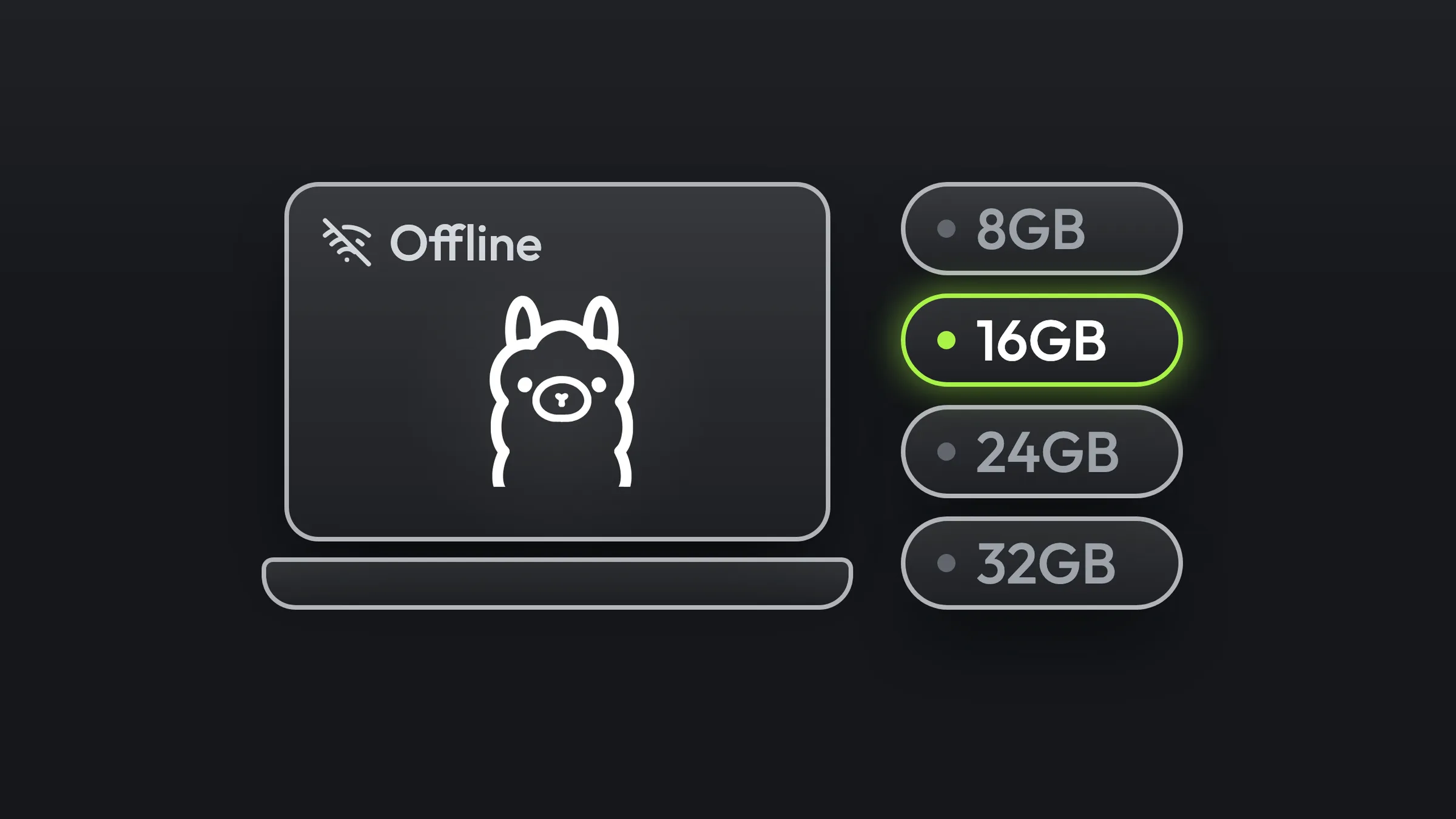
 AI systems
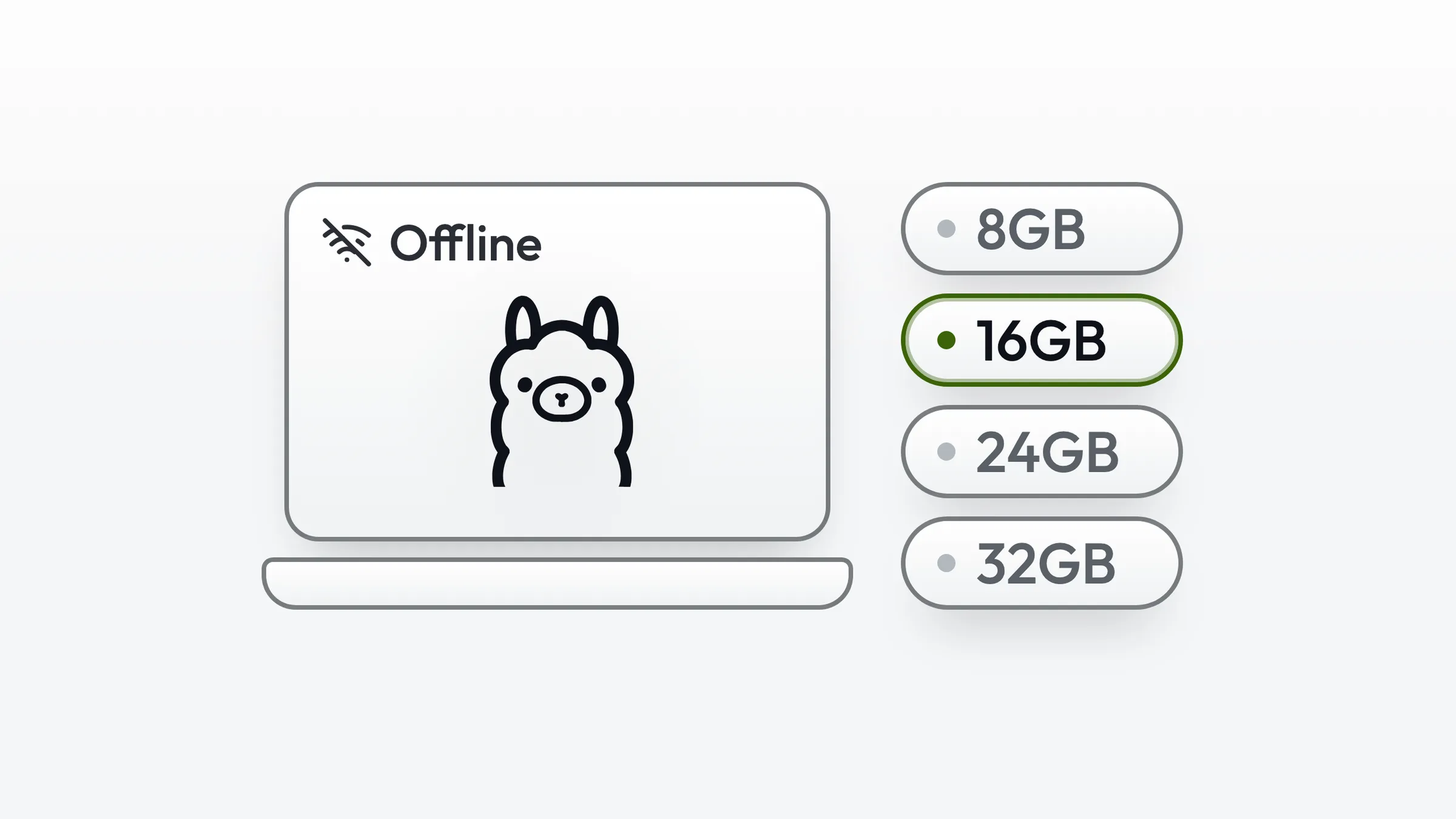
Run AI on Your Laptop for Free
Match a Qwen model to your laptop's RAM, install it with one command, and use it offline in the terminal and in VS Code. · 3 minGet the guide
 AI systems
Set Up Ponytail: The Plugin That Makes Claude Code Write Less Code
How to install the free Ponytail plugin in Claude Code, pick an intensity level and confirm the agent checks cheaper options before it writes new code. · 2 minGet the guide
 AI systems
8 Claude Code Skills That Run My Content
8 installable Claude Code skills, the setup each one needs, and the download so you can run them yourself. · 4 minGet the guide
 AI writing
Never Sound Like AI Again
A voice profile template and a setup prompt that give your AI assistant evidence of how you write before it drafts. · 3 minGet the guide
Start here
Map your own workflow next.
These guides show you the method. The Free Business Check applies it to your own business: a 30-minute call on your business priorities and bottlenecks, then your AI Recommendation Plan, yours whether you hire us or not.
Starts with a 30-minute Business Check and your AI Recommendation Plan.